
The New Genio Notes Mobile App
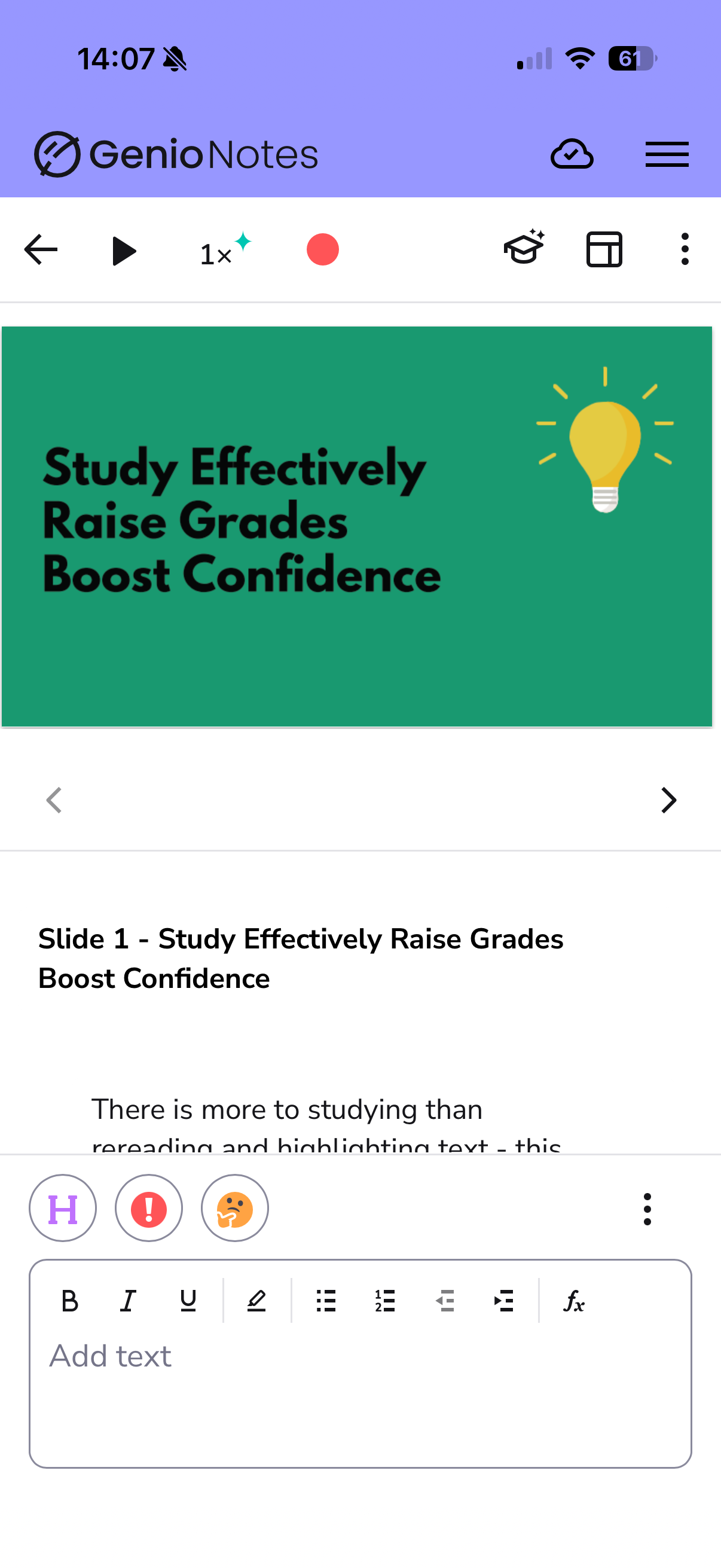
The Genio Notes mobile app is here! You can now access all your favourite web-based features, including QuizMe and Outline, directly from your phone.
What's new?
The new app brings the full Genio Notes experience to your phone, including features that weren't available in the old app. To name a few:
- QuizMe — test yourself on your notes on the go
- Outlines — get a clear, structured view of the key points of your Event
- Reading View — a clean, distraction-free way to read back your notes
We’ve designed the mobile interface to mirror the web version, ensuring a seamless and familiar experience as you transition between devices.
Migrating from the old app?
If you're still using the legacy Genio Notes mobile app, we recommend upgrading to get the best experience.
Before you do, make sure all your Events are synced to the Genio Cloud to prevent any data loss.
Follow our step-by-step guide here on migrating: https://help.genio.co/article/419-migrating-to-the-new-genio-notes-mobile-app
Important - The legacy Genio Notes app will eventually be retired and will no longer receive updates or maintenance. To make sure you don't lose access to your notes, we recommend migrating to the new app as soon as possible.
Download the new app
You can download the new Genio Notes app here:
iOS: https://apps.apple.com/gb/app/genio-notes/id6758772863
Android: https://play.google.com/store/apps/details?id=co.genio.notes
Using an older device? Check whether your device is compatible before downloading: https://genio.co/specification
If you have any further questions, contact us at support@genio.co. We're here to help!