
Intentions
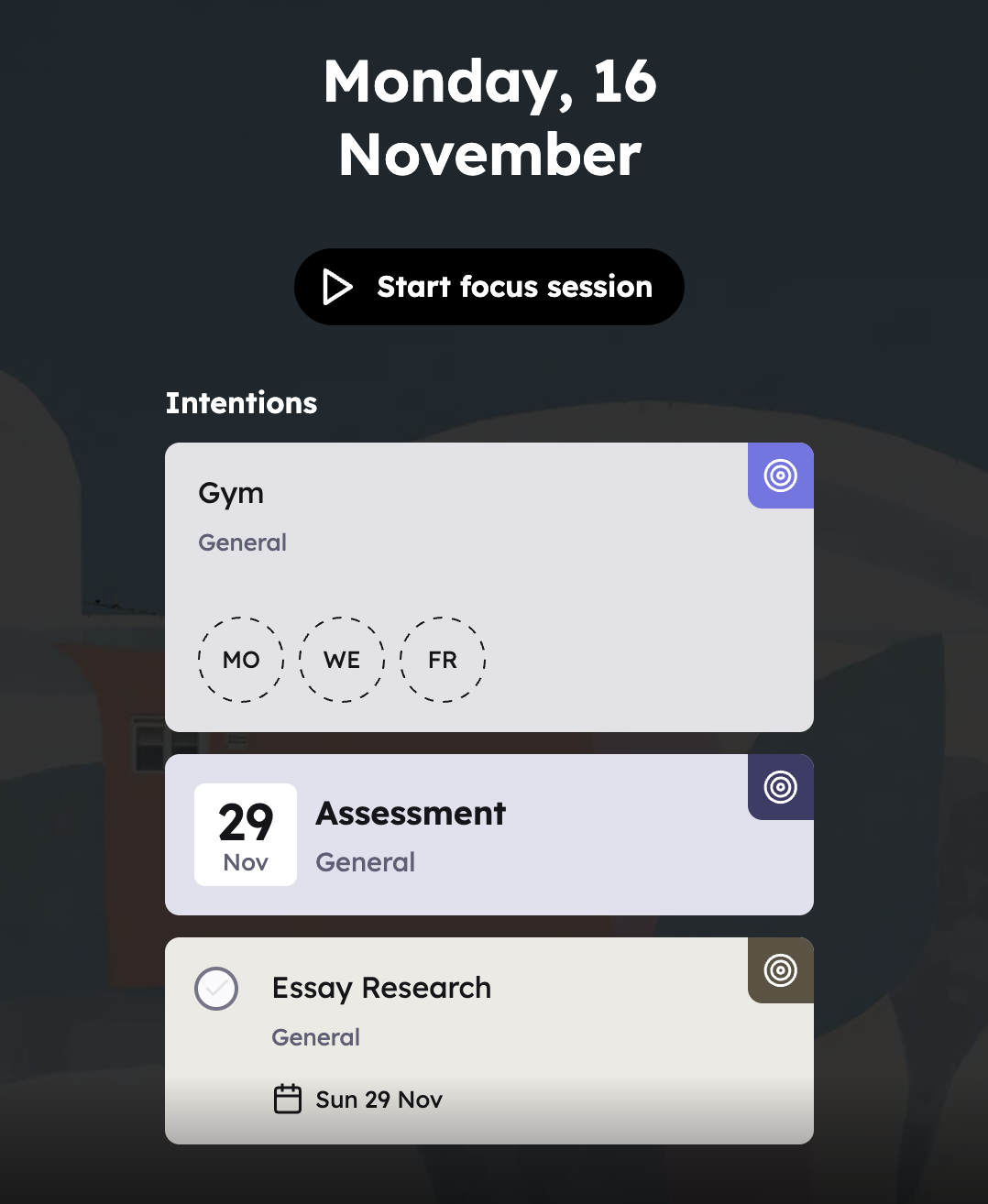
An intention is a task, deadline or routine you've chosen to focus on. Marking something as an intention puts it on your Focus Dashboard, Planner's home screen. That way you know what to work on without scrolling through everything else on your plate.
In this article:
Mark something as an intention
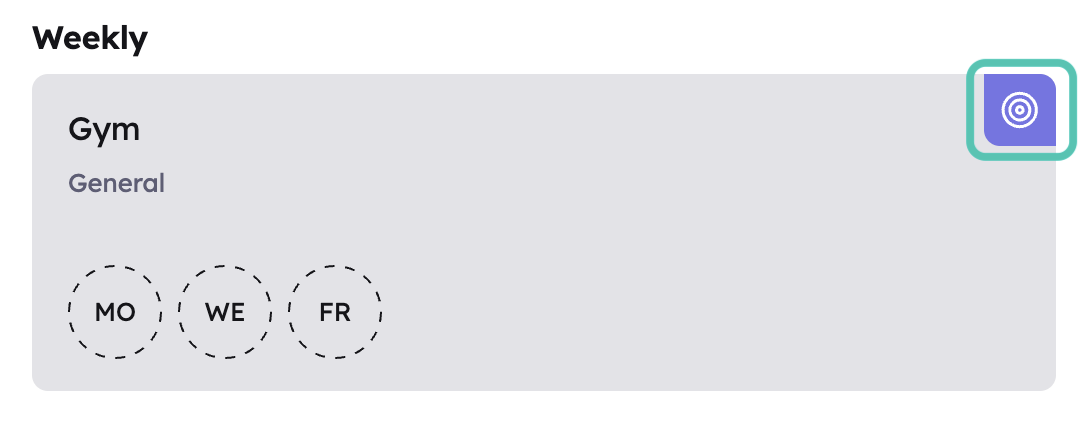
Tap the focus icon (the target) on any task, deadline or routine card. It changes colour to show it's set.
You can also open the item and turn on the Set intention switch at the bottom of the page.
There's no limit, but keep the list realistic. The idea is to pick what you'll genuinely work on.
Note: A task that's already completed can't be made an intention.
Your Focus Dashboard
Select Focus to go home. You'll see today's date and all your intentions in one list.
- Tasks can be ticked off right there. Completed tasks move to the bottom of the list and stay visible, crossed out, for the rest of the day. The next day they drop off the dashboard.
- Routines can be logged right there by tapping their circles.
- Deadlines stay until you remove them as intentions.
Newly marked intentions appear at the top of the list.
If you haven't set any intentions yet, you'll see "No intentions yet." Select View tasks to open your tasks and pick some.
Remove an intention
Tap the focus icon again, or turn off Set intention. The item disappears from the Focus Dashboard but stays where it was in your Tasks, Deadlines or Routines.