
Training Material
Note - This guide applies to Genio Notes on your browser, desktop app and new mobile app 📱
Getting to know a new platform can be tricky. That's why we've created a dedicated training section to help you master Genio Notes. Our goal is to make your experience as smooth as possible.
Our training guides include:
Accessing Training Material
To access our training guides, click the three horizontal line icon in the top right corner.

Select Help and Training to see a drop-down menu with our training material.

- 1
-
Live Tutorial
With Live tutorials, you can schedule a Zoom meeting with one of our trainers who will take you through navigating Genio Notes. We have:
Genio Basics - aimed at learners who are new to Genio Notes or need a refresher on Genio Notes' basic functionality.
Genio Pro - aimed at learners who have previously attended a Genio Basics session or are familiar with Genio Notes' basic functionality.
Click our Live Tutorials here: https://genio.co/resources/tips-and-advice-for-students/live-tutorial-registration
- 2
-
Video Guides
We have a collection of video guides in our Skills Portal. These will give you an overview of the key functions of Genio Notes and how to get the most out of your lectures with a structured note-taking process.
View our Skills Portal here: https://genio.co/resources/product-and-feature-guides/genio-notes-skills-portal
- 3
-
Demo Event
We have a short Demo Event that you can download and try out.
The Event gets downloaded to your account, so you can make all the edits and changes you want.
If you need a clean copy, then just download the Event again. And if you no longer need it, you can just delete the Event.

- 4
-
Guided Tour
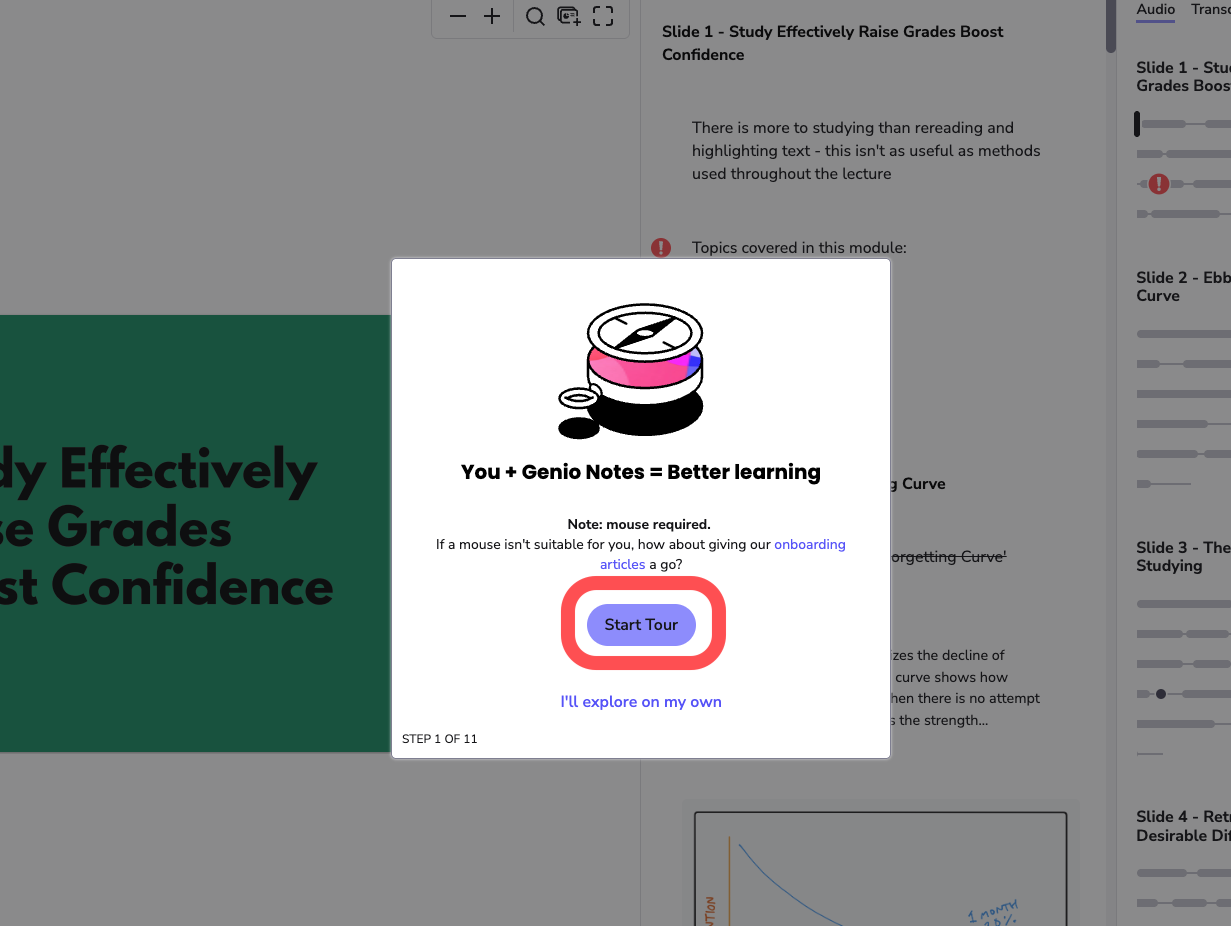
Our Guided Tour will take you through how to record in a session, alongside taking notes.
- 5
-
Watch Intro
Our intro video is a short YouTube video to equip you with the basic understanding of using Genio Notes.
View our Intro video here: https://app.genio.co/notes/intro
- 6
-
Note Taking Course
Our Note Taking Course is our master class that is designed for you to transform into a Confident Note Taker. It features interactive content, useful feedback, and badges and certificates to celebrate your progress.
View our Note-Taking Course here: https://courses.genio.co/course/capturing-with-confidence
Info - Our Note Taking Course is a third-party site. The easiest way to access it is from your Genio Notes account.